
Church administration and the website: a simple monthly routine
Ask anyone who has stood outside a locked church on a Sunday morning, holding a phone that promised a 10.30 service. They will tell you that a website with the wrong information is worse than no website at all. Happily, keeping a church or circuit website accurate is not a big job. It is a small job that needs doing regularly, and the trick is to make it a habit rather than a panic.
This is the routine we suggest to the circuit administrators and church secretaries we work with. Most people get through it in less than an hour a month, and it catches almost everything.
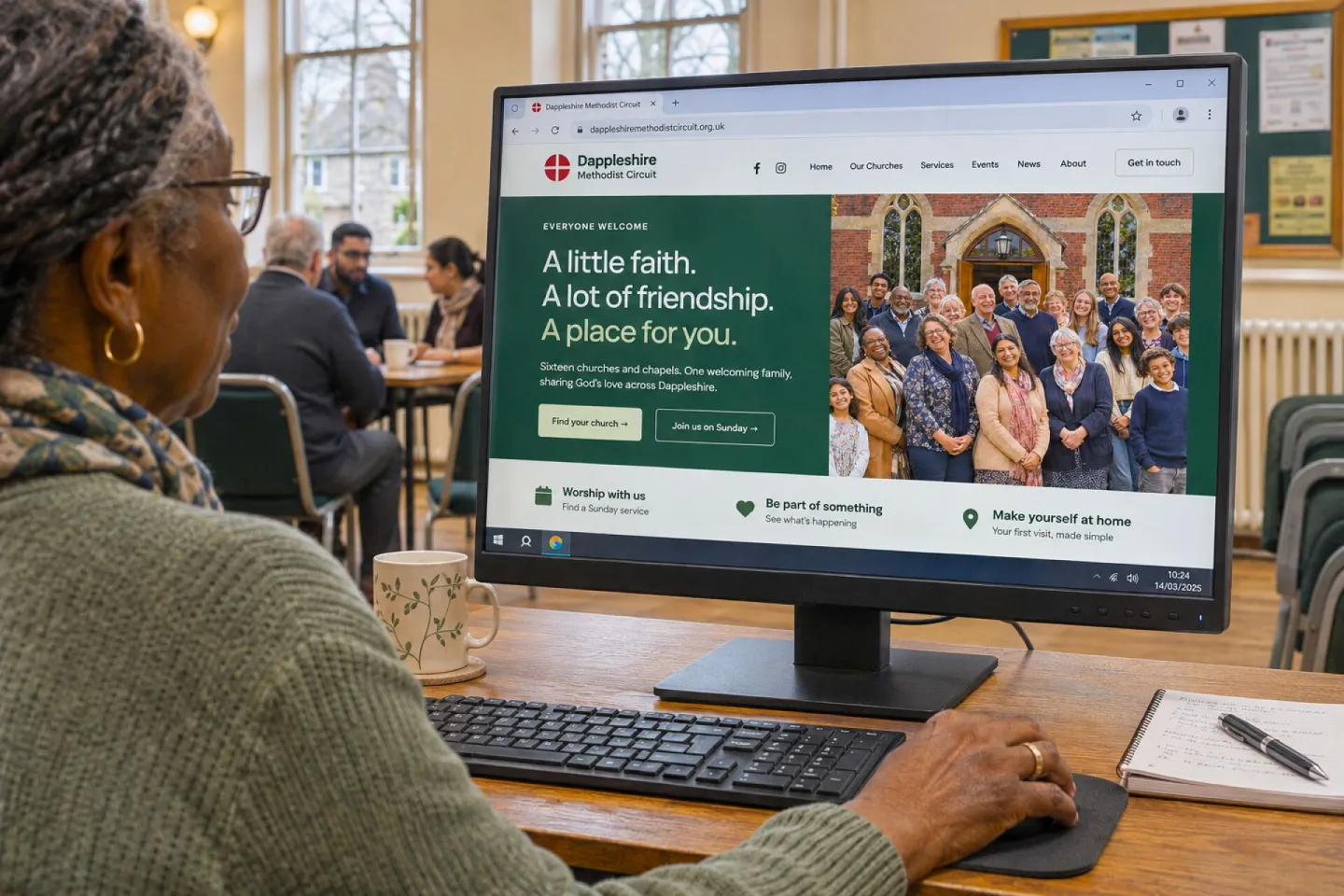
Start with the things people act on
People come to a church website to do something: find a service, find the building, find a person. Everything else is welcome, but it comes second. So the first check each month is the information somebody might get in a car and drive to.
- Service times for every church, including any changes in the month ahead
- Addresses and postcodes, and whether the parking or the step-free entrance has changed
- A contact name, phone number or form that somebody actually answers
- Hall booking details, if your premises are let to community groups
If your circuit makes its plan in Planmaker, the service times on a Chrestos website come straight from the plan, so the first item on that list looks after itself. If not, keep the printed plan beside you while you check. Service times are the most common source of mistakes we see; they are also the easiest to prevent.
The monthly routine
Pick a fixed point in the month. The first Monday, the week after the circuit meeting, the day the newsletter goes out: it doesn’t matter which, as long as it is the same one each time. Then work through the same list, in the same order.
| What to check | Why it matters |
|---|---|
| Service times, special services and any church closures | These are the details people act on |
| News and events, removing anything that has already happened | Old posts make a website look abandoned |
| Contact names against the current list of officers | Roles change hands more often than websites do |
| Links to the plan, the directory and any forms | A broken link is a closed door |
| One new photograph of church life, with permission | A living church should look like one |
Remove as well as add
Most church websites grow by addition. Every harvest supper, coffee morning and Lent course gets a post, and nothing ever leaves. After a year or two the homepage has become a museum, and the one thing a newcomer needs is buried beneath last year’s Christmas Fair.
Once an event has happened, either take it down or turn it into a short report with a photograph. A report tells visitors that things happen here. An advert for something that finished in March tells them nobody is looking.
Keep a short list of who looks after what
In most circuits the website is a shared effort. The circuit administrator looks after the circuit pages, each church has somebody who sends in its news, and the Superintendent sees anything sensitive before it goes up. It works well, as long as everybody knows where the edges are.
A single sheet in the circuit office file, listing each part of the website and the person responsible for it, saves a surprising amount of time. When somebody steps down, you know straight away what needs handing on.
Five minutes, not five hours
None of this needs technical skill. If your website is on Chrestos Essentials, you simply email us the changes and we make them. On Chrestos Classic or Chrestos Premium you can make them yourself from the control panel, and our team are a phone call away if something doesn’t look right.
Either way, it is the routine that makes the difference. A website that is checked every month quietly earns people’s trust, and trust is what gets somebody through the door for the first time.
Discover more
See what the tools do, compare the packages, or have a chat with the team.
Chrestos Cloud
Web Design Tools, Planmaker, Loudhailer, Database and Digital Signage, all in one place.
Packages & pricing
No build fee and no long contract. Pick the package that suits your church and grow from there.
Talk to us
A question, a demo, or a chat about what your circuit needs. We’re always glad to hear from you.
Ready to get started?
Tell us about your church, circuit or district, and we’ll show you how Chrestos could make life a little easier.

Technology for a brighter church